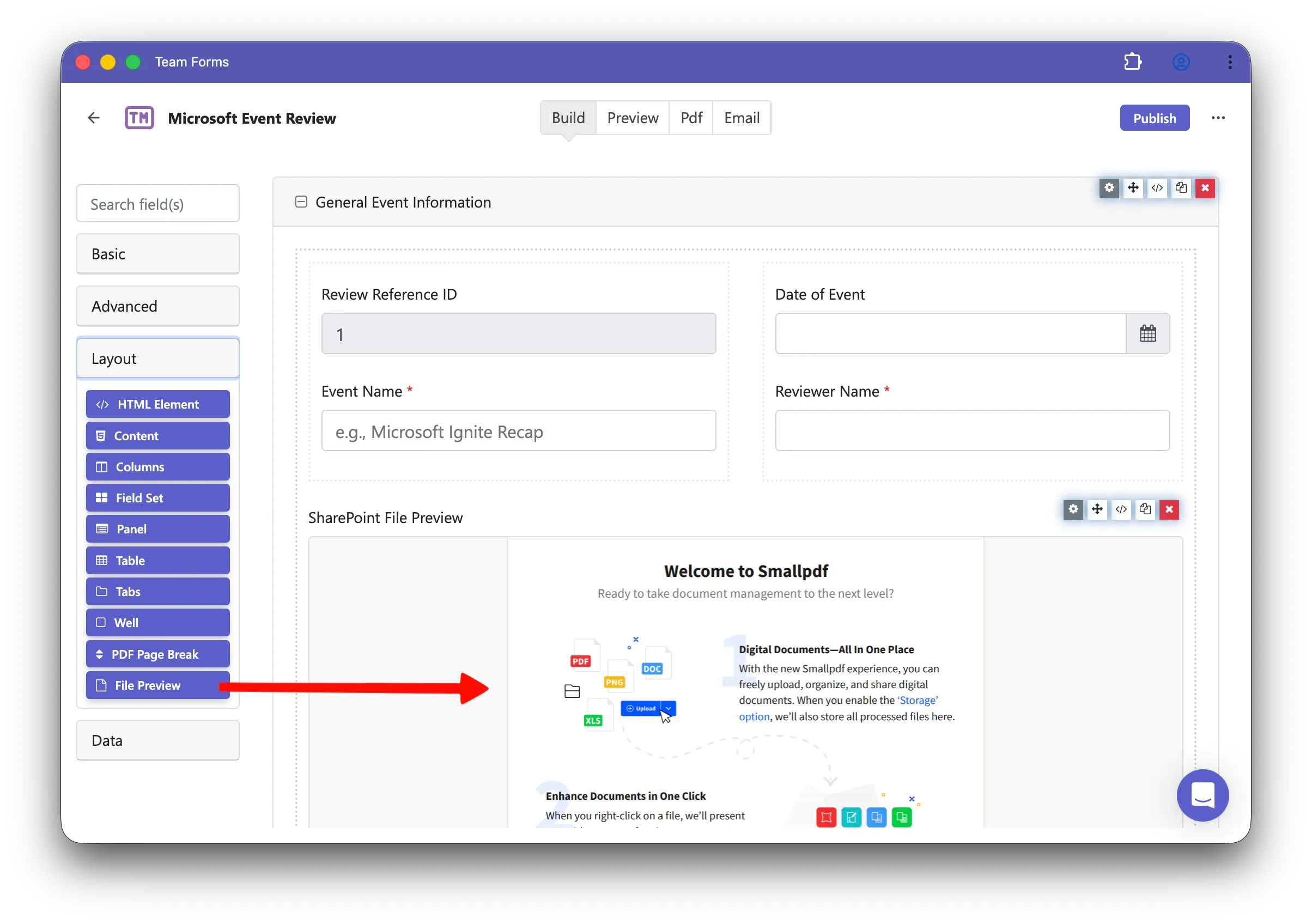
We’ve added a new File Preview component that lets form builders embed a live preview of a SharePoint file directly inside a form.
It is useful when respondents need to view supporting material while completing a form, such as policies, reports, invoices, drawings, images, spreadsheets, presentations, or PDFs.
To use it, set up the file as a SharePoint File data source and choose File preview as its use. Then add the File Previewcomponent to your form and select the file source you created.
The preview is loaded live from SharePoint, so users can view the latest version of the file without leaving the form.
A few important notes:
SharePoint file previews require an online connection and will not work offline.
They are not yet supported on public share links.
File previews do not appear inside generated PDFs.
You can find the new component in the form builder under Layout as File Preview.